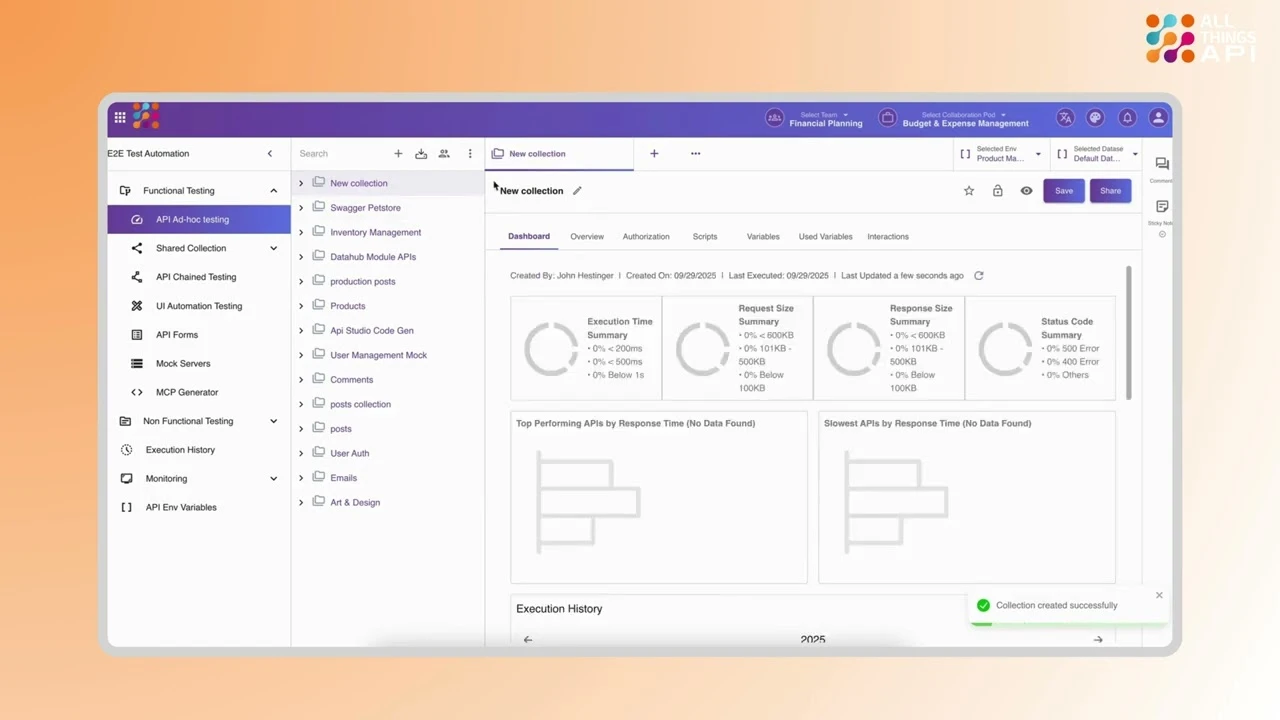
A Test Suite in ATA acts as a logical grouping of related test scenarios, such as authentication flows or checkout processes. To create one, simply navigate to your Test Application, then select the “Test Suites” section and click “New Suite.” Provide a name and description to define its purpose and coverage (for example, “Authentication” or “User Profile Flows”). Organizing tests into suites helps structure your automation efforts, improves test management, and makes it easier to run, review, and maintain related scenarios together.