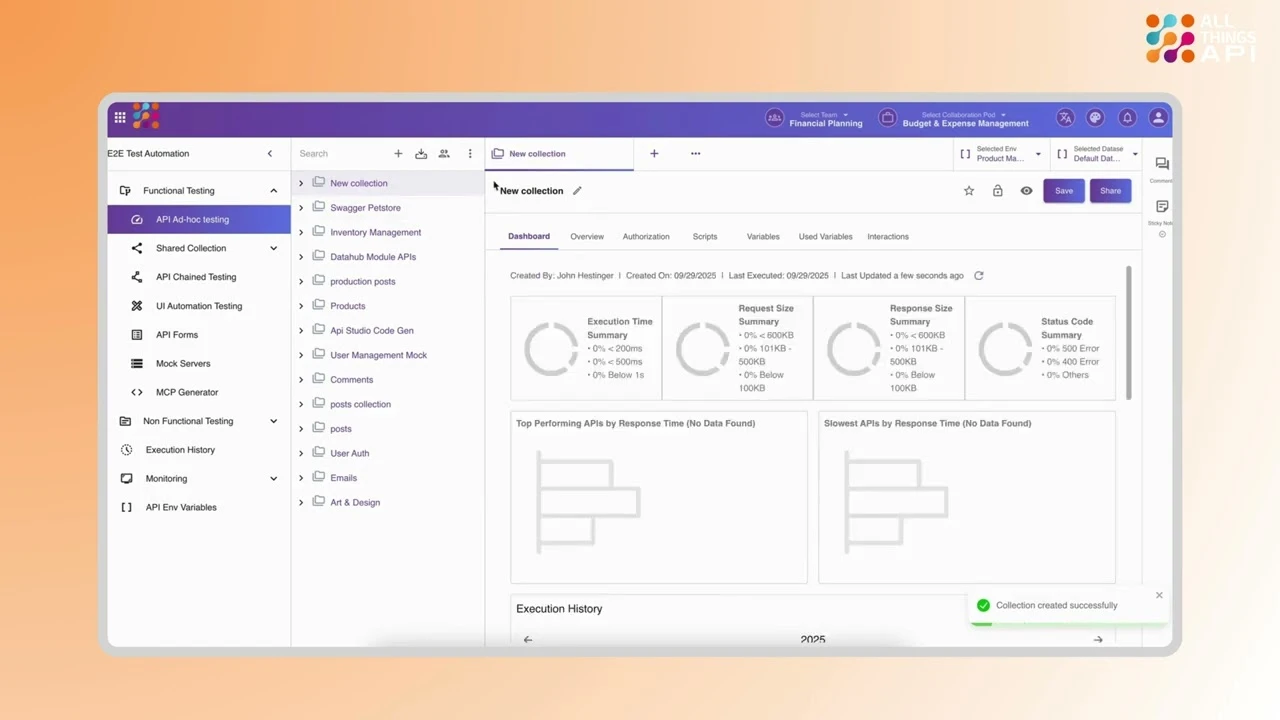
To import environments in ATA, you simply go to the API Environment Variables section and create a new environment for your collection. There, you can manually add your environment variable key-value pairs for each environment (like Development, Staging, or Production). While ATA doesn’t currently support importing environments from external files, this process allows you to quickly set up reusable configurations for testing and ensure consistency across all your API requests.